How to delete Tinder, Bumble and Hinge, and get your data erased too
Deleting the profile hides it. Your phone number, location and chats can stay on the company's servers for months or years. Here's how to close each account and ask for the rest to go.
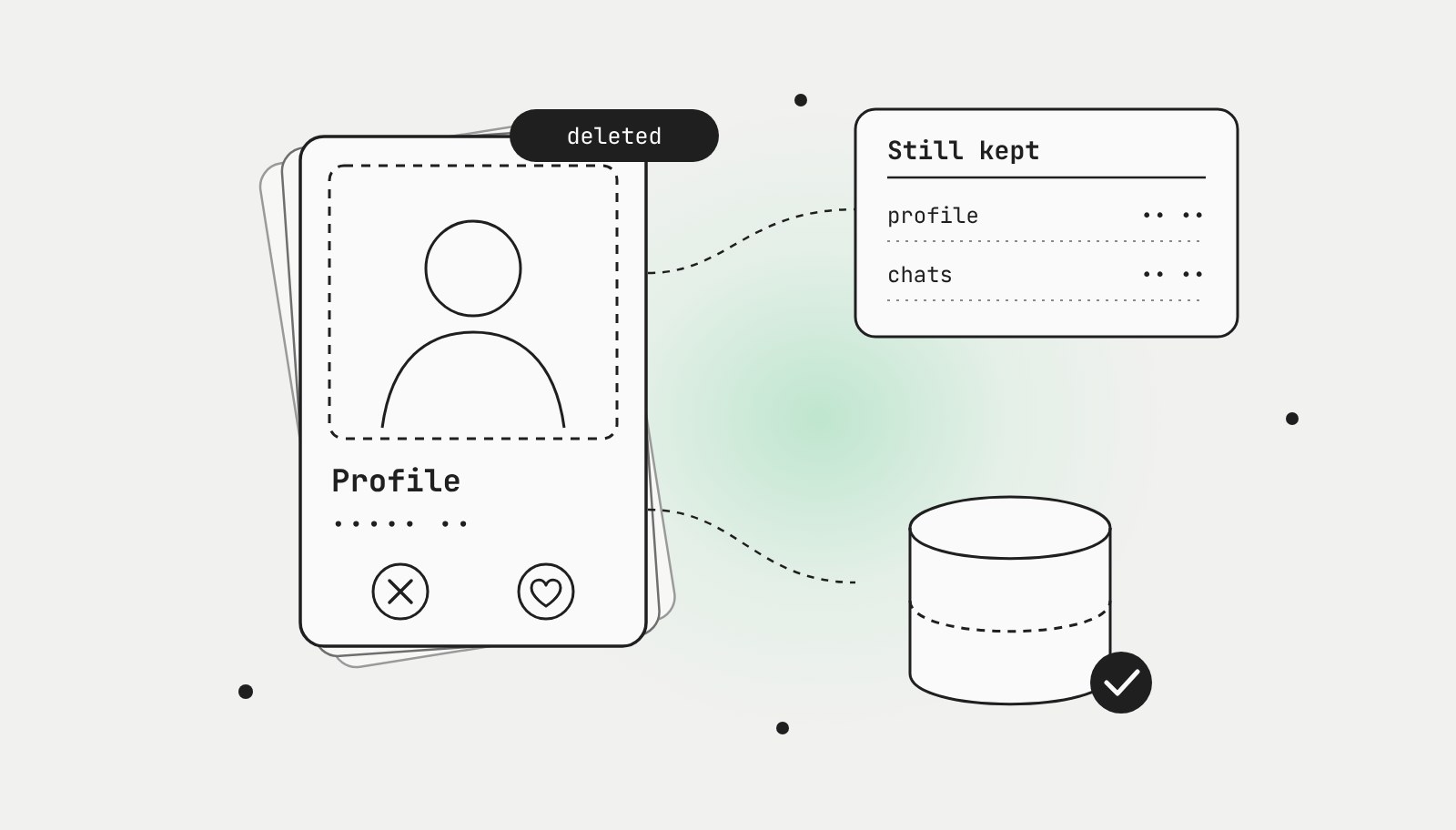
A dating profile holds some of the most sensitive data you'll ever hand over: your photos, where you are, who you're attracted to, sometimes your religion or politics, a verification selfie, and every conversation you've had. Removing the app from your phone does nothing to any of it. Deleting your account hides the profile from other people, but Tinder, Bumble and Hinge all keep parts of your data for months, some of it for years.
This guide goes through the right order: save a copy if you want one, cancel any subscription, delete the account in each app, then send an erasure request for what's left.
Step 1: Download your data first (optional)
Once the account is gone, the self-service download tools stop working, and you'd have to ask support instead. If you want your old chats, photos or simply to see what the app knew about you, request a copy now. It's the same right of access that got Tinder's owner fined €11 million for leaving things out.
- Tinder: sign in to Tinder's Manage My Account tool at account.gotinder.com/data and request your data. Tinder emails you a download link; it can take a few days.
- Hinge: in the app, tap your Photo Icon, then Account Settings > Download My Data. Select your country, tap Download My Data again, confirm your email and tap Submit. Hinge says exports are typically ready within 30 days, and the file is only available for 48 hours.
- Bumble: there's no download button. Open the chat with Bumble support and say you'd like to 'Request data'. Your email address has to be confirmed in the app first (Settings > Notification Settings). Bumble aims to send the file within one calendar month.
Step 2: Cancel your subscription
Deleting your account doesn't reliably stop the payments. Tinder says deleting won't cancel an active subscription, and Bumble warns that Boost, Premium and Premium+ may not cancel automatically. If you pay through the App Store or Google Play, cancel there: on iPhone in Settings > your name > Subscriptions, on Android in Google Play > Payments & subscriptions. Hinge notes that subscriptions renew unless you cancel at least 24 hours before the next billing period. Only if you paid Hinge directly (via Stripe) does deleting the account cancel the subscription straight away.
Step 3: Delete the account
Tinder
Open the app or go to tinder.com and sign in.
Tap the profile icon, then Settings.
Scroll to the bottom and tap Delete Account, then confirm. Tinder may ask why you're leaving; you can skip that.
No access to the app? Sign in to the Manage My Account tool at account.gotinder.com and choose to delete your account there.
Bumble
Open the Bumble app and tap the profile icon.
Tap the gear icon to open Settings.
Scroll to the bottom and tap Delete account.
Choose a reason for leaving and confirm with the final on-screen prompt.
Hinge
Open the app and tap your Photo Icon on the far right of the navigation bar.
Tap the gear icon to open Account Settings.
Scroll to the bottom and tap Delete Account, then follow the prompts. Pausing keeps your account, so make sure you pick delete.
Already removed the app? All three will delete the account for you if you contact support, after checking that you own it.
What each app keeps after you delete
This is the part most guides skip. Here's what each company's own privacy policy says it keeps after account closure:
| Tinder | Hinge | Bumble | |
|---|---|---|---|
| Undo window | 90 days: sign up again with the same login and some data is restored | Not stated | 28 days, then deletion starts |
| Most profile data | 3-month safety window, then profile data kept 1 year for possible legal claims | 3-month safety window, then profile data kept 1 year for possible legal claims | Almost all deleted 28 days after deletion |
| Name, email, phone, birthday, location | Covered by the periods above | Covered by the periods above | 6 years |
| Purchases | 10 years (tax and accounting) | 10 years | 10 years, then anonymised |
| Support conversations | 6 years | 5 years | 6 years |
| Face and verification data | Within 30 days | Within 30 days | Verification scans up to 3 years after your last interaction |
| Logs and traffic data | 1 year | 1 year | Varies by purpose |
From Tinder's and Hinge's privacy policies (section 9) and Bumble's privacy policy, checked 28 November 2026. If your account was banned or blocked, all three keep more, for longer.
Some of this the law requires, like tax records. Much of it is kept on the company's own judgement, which is where an erasure request can make a difference.
Step 4: Ask for your data to be erased
If you live in the EU, the UK or a US state with a privacy law such as California, you have a legal right to ask for deletion: Article 17 of the GDPR, or the CCPA's right to delete. Even elsewhere, a written request leaves a record, and the companies usually act on it. What it can do:
- Skip the waiting period. Bumble says a Data Erasure Request skips the 28-day restore window and takes up to 30 days.
- Challenge 'legitimate interest' retention. Tinder and Hinge keep profile data for a year 'in anticipation of potential litigation'. Under Article 21 GDPR you can object, and the company has to show why it still needs your data. It may refuse where the data is genuinely needed for a legal claim, but it has to tell you so.
- Get a straight answer. Ask what they'll keep, why and for how long. If there's no reply within a month, see what to do when an erasure request is ignored.
Where to send it:
- Tinder: the privacy request form. In the EU, Tinder's data controller is MTCH Technology Services Limited in Dublin, which also has a Data Protection Officer you can write to by post.
- Hinge: the support form, choosing Privacy Request as the topic. Hinge belongs to Match Group too and has the same EU controller as Tinder.
- Bumble: the in-app chat with support, or email Bumble's Data Protection Officer at DPO@bumble.com.
Write from the email address or phone number on the account, and leave out anything they don't need, such as passwords or your reasons for leaving. A request can be as short as this:
Subject: Erasure request. I have deleted my [Tinder / Bumble / Hinge] account registered to [email or phone number]. Under Article 17 GDPR (or: my state's privacy law), I ask you to erase all personal data you hold about me, including profile data, photos, messages, location data, verification data and anything inferred for matching or advertising. Where you rely on legitimate interests to keep any data, I object under Article 21 GDPR. Where you must keep data by law, please tell me which data, on what legal basis and for how long. Please confirm in writing once erasure is complete.
What deleting can't undo
- Screenshots and copies. Matches may have saved your photos or chats. Bumble's policy says so plainly: copies shared with or stored by others may stay accessible.
- Breaches. Data that has already leaked doesn't come back. In January 2026, Match Group confirmed a security incident, and reports say data from Hinge, Match and OkCupid users was leaked. Bumble was among the companies in the 7.3 TB ShinyHunters leak pack in November.
- Photos and usernames used elsewhere. If you used the same pictures or handle on other sites, reverse image search and people-search sites can still link them to you.
The same steps work for other apps. OkCupid, Match.com and Plenty of Fish belong to Match Group, like Tinder and Hinge, and Badoo belongs to the Bumble Group: delete the account in the app's settings, then send an erasure request to the privacy contact in its privacy policy.
A dating profile is often one piece of a bigger picture: your name, city, photos and phone number on people-search sites and data brokers. BetterPrivacy finds where your details are exposed and helps you get them removed. A free scan shows your top 3 results in full.
Sources
- Delete your Tinder account — Tinder Help Center
- Requesting a copy of your personal data — Tinder Help Center
- Privacy Policy, section 9: How Long We Retain Your Data — Tinder — checked 28 November 2026
- Deleting your account — Bumble Support — checked 28 November 2026
- Deleting your data — Bumble Support — checked 28 November 2026
- Requesting your data — Bumble Support — checked 28 November 2026
- Bumble Privacy Policy — Bumble — checked 28 November 2026
- How can I make a Privacy Request? (last updated 25 November 2026) — Hinge Help Center
- Privacy Policy, section 9: How Long We Retain Your Data — Hinge — checked 28 November 2026
- How to Completely Remove Your Data From These Online Dating Platforms (27 August 2026) — Lifehacker
- How to Request Your Data From Tinder, Bumble & Hinge (updated 4 October 2026) — PrivacyOn
- Art. 17 GDPR – Right to erasure ('right to be forgotten') — GDPR text via gdpr-info.eu
- Art. 21 GDPR – Right to object — GDPR text via gdpr-info.eu
Privacy policies and help pages checked on 28 November 2026. Menu labels are the English ones and can differ slightly by app version, platform and language. Retention periods are what each company states; we can't verify what it actually deletes.