1Password breach: vaults are safe, but expect fake recovery emails
Passwords and Secret Keys were never in reach. But an attacker now knows who uses 1Password, and that is exactly what a convincing account recovery scam needs.
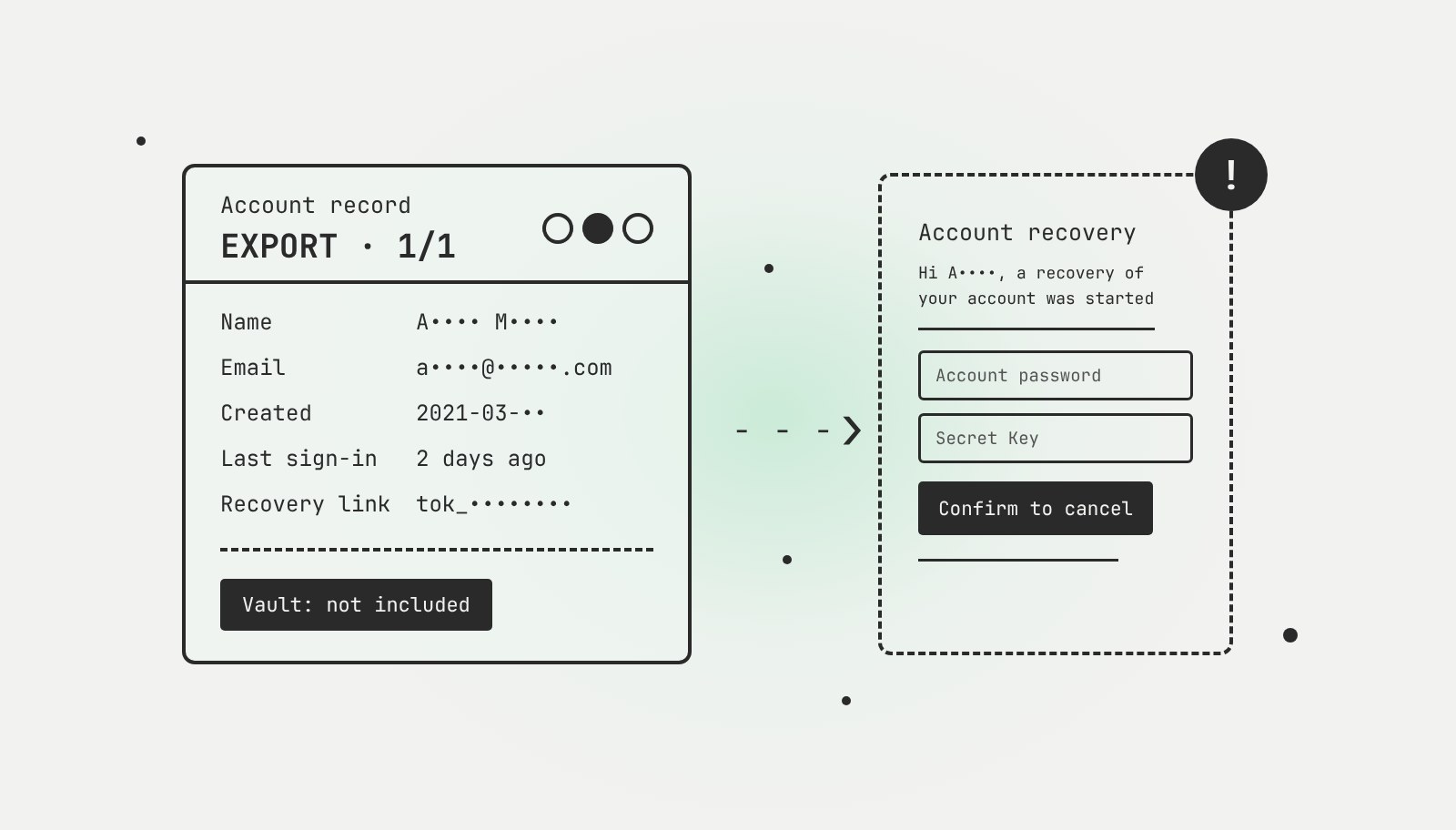
On 25 November, 1Password disclosed a security incident. Since 19 November, it had been investigating signs that an attacker had taken over an employee's corporate GitHub account. With that access, the attacker copied source code from private repositories, got into the CI/CD system that builds and deploys 1Password's software, and pushed malicious code to backend services. That code downloaded administrative records for a subset of customers. 1Password hasn't said how the account was compromised or how many people are affected.
What was taken
- Names and email addresses
- Account and user identifiers
- When the account was created and last signed in
- Public keys and sign-in protocol (SRP) parameters
- For a small number of users: tokens in emailed invitation, provisioning and account recovery links
- Other account metadata, such as version numbers
1Password says vault data, the keys that protect vaults, recovery keys, account passwords and Secret Keys were not affected. That is by design: your password and Secret Key never leave your devices, so 1Password doesn't hold them to lose. Its apps and browser extensions are not affected either. The company disabled the GitHub account, rotated exposed credentials, notified users whose tokens leaked, and lengthened the codes in invitation and recovery emails from six digits to ten characters. It says it has found no account takeovers.
How the scam will look
Expect emails, texts or calls that mention 1Password by name and quote real details, such as when you created your account. The usual hooks: "someone started a recovery of your account", "your family invitation is about to expire", or "verify your Secret Key to stay protected". The link leads to a fake sign-in page that asks for your account password and Secret Key. Those two secrets are what protect your vault, so this is what the attacker is after. We saw the same pattern after the StubHub breach, and phone versions work like fake Apple support calls.
What to do now
Never type your account password or Secret Key anywhere except the 1Password app, or 1password.com typed in yourself. 1Password says it will never ask for them.
Ignore recovery or invitation emails you didn't request. If unsure, open the app and check there instead of clicking.
Treat calls and texts about your 1Password account as scams. Report anything suspicious to support@1password.com.
Switch on two-factor authentication for your 1Password account if you haven't already. It gives an attacker one more step to clear.
Leaks like this rarely stand alone: phishers combine them with what's already public about you, such as your address, employer or phone number from people-search sites. Our data broker opt-out guide explains how to shrink that. BetterPrivacy searches people-search sites, data brokers, directories, forums and news archives for your details, helps you send GDPR or CCPA removal requests and tracks each takedown. A free scan shows your top 3 results in full.