The fake Apple call: how scammers use your own login code to take over your Apple Account
You get an Apple verification code you didn't ask for, then a call that shows Apple's real number. It isn't Apple. Here's how the scam works, why caller ID proves nothing, and how to protect your account.
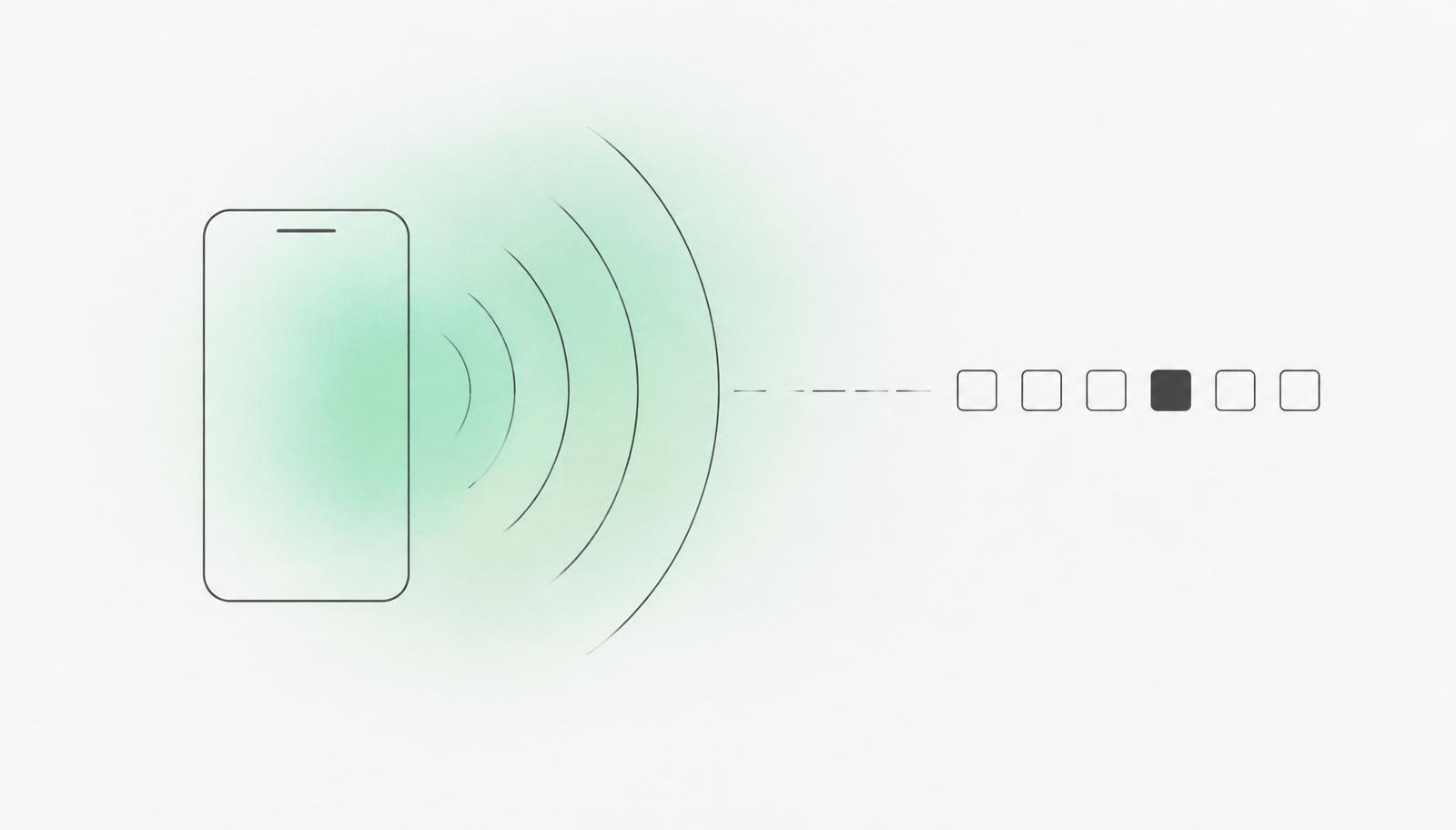
Your iPhone lights up with an Apple sign-in code or a password-reset prompt you never requested. Maybe several in a row. A few minutes later your phone rings, and the caller ID shows Apple Support's real number. A friendly voice says your account is under attack and that, to stop it, they just need you to read out the code Apple sent you. It sounds like help. It's the attack.
How the scam works
The trigger
The attacker starts Apple's sign-in or password-reset flow for your account. Your devices show prompts or you receive a verification code by text. In a wave reported in March 2024, victims got so many reset prompts that every iPhone, Watch and Mac had to dismiss them one by one — a tactic known as "MFA bombing" or "push bombing", designed to cause panic.
The call: right after, someone calls posing as Apple Support
The caller ID can show Apple's genuine support number (1-800-275-2273 in the US), because caller ID is easy to fake.
The ask
The caller says your account is being attacked and asks you to "verify" yourself by reading out the one-time code you just received.
The takeover: that code is the second key to your account
With it, the attacker can reset your password, lock you out and, in the worst case, reach your devices and iCloud data.
"But the caller ID said Apple"
That proves nothing. Scammers can make any name or number appear on your screen; this is called spoofing. Apple itself warns that scammers fake caller ID to imitate companies like Apple, and security reporter Brian Krebs documented scam calls showing Apple's real support line. It isn't limited to tech companies: in 2022 Germany's Federal Office for Information Security (BSI) warned that scammers were spoofing the BSI's own phone number.
What Apple will never do
- Apple says it never asks for your password or verification codes to provide support.
- Apple will never ask you to log in to a website or to tap Accept in a two-factor authentication dialog for them.
- Apple's advice for an unexpected call from "Apple" is simple: hang up.
- In the 2024 cases, an Apple representative told one victim that Apple doesn't call customers unless the customer asked for a call.
How do they know so much about you?
To run this scam the attacker needs at least your Apple Account email and your phone number, and possibly your password, which can come from earlier data leaks. The more convincing callers also know your name and other details. In one case Krebs reported, the caller used a name that matched a people-search profile about the victim — it wasn't proven that's where the data came from, but it shows how much is out there. The UK's National Cyber Security Centre warns that criminals use breached information to make phishing messages convincing, and that leaked phone numbers lead to suspicious calls.
Every phone number, email and address that sits on a people-search site or data broker page is one more ingredient for a scam like this. Removing them doesn't make you untouchable, but it makes you a harder, less convincing target.
If you get a code or prompt you didn't request
- Don't share the code with anyone, whoever they claim to be.
- Tap "Don't Allow" on every prompt you didn't start, however many there are.
- If "Apple" calls, hang up. If you're worried, contact Apple yourself through support.apple.com or the Apple Support app — never through a number or link someone sends you.
- Report it: forward phishing emails to reportphishing@apple.com, or send a screenshot of a suspicious text. In the US, report scam calls at ReportFraud.ftc.gov and forward scam texts to 7726 (SPAM). In Germany and elsewhere in Europe, you can report fraud to your local police.
If you already shared the code
Act quickly. Apple's guidance for a compromised account boils down to these steps:
Change your Apple Account password right away — or reset it at iforgot.apple.com if the attacker already changed it. Regaining access can involve a waiting period.
At account.apple.com, check your details and remove any devices you don't recognise.
Check with your mobile carrier and email provider that every phone number and email on the account is really yours, and that SMS forwarding is off.
Review what's signed in on each of your devices, keep two-factor authentication on, and set a device passcode.
Lock it down for next time
- Security Keys for Apple Account: once you add at least two physical FIDO security keys, verification codes can no longer be used to sign in — so a code read out to a scammer is useless. Keep them safe: losing all keys and trusted devices can lock you out for good.
- Stolen Device Protection on iPhone adds Face ID and a delay before sensitive changes when you're away from familiar places. It protects you if your phone is stolen; it doesn't stop a remote takeover with a phished code.
- Use a unique, strong password for your Apple Account, so a password leaked elsewhere can't be reused.
- Shrink your footprint: find and remove the pages that publish your phone number, email and address. A free BetterPrivacy scan shows you where they are.
No real support agent needs your code. If someone asks for it, the conversation is over.
Sources
- Recent 'MFA Bombing' Attacks Targeting Apple Users (26 March 2024) — KrebsOnSecurity
- Warning: Apple Users Targeted in Phishing Attack Involving Rapid Password Reset Requests (26 March 2024) — MacRumors
- Recognize and avoid social engineering schemes including phishing messages, phony support calls, and other scams — Apple Support
- If you think your Apple Account has been compromised — Apple Support
- About Security Keys for Apple Account — Apple Support
- About Stolen Device Protection for iPhone — Apple Support
- What's a verification code and why would someone ask me for it? (7 March 2024) — US Federal Trade Commission
- Phone Scams — US Federal Trade Commission
- How To Recognize and Avoid Phishing Scams — US Federal Trade Commission
- Warnung vor Spoofing mit BSI-Rufnummer (2 June 2022) — Bundesamt für Sicherheit in der Informationstechnik (BSI)
- Data breaches: guidance for individuals and families — UK National Cyber Security Centre