Signal blocks AI assistants from reading your chats
End-to-end encryption protects a message on its way. It can't protect it once an AI agent built into your phone reads it off the screen.
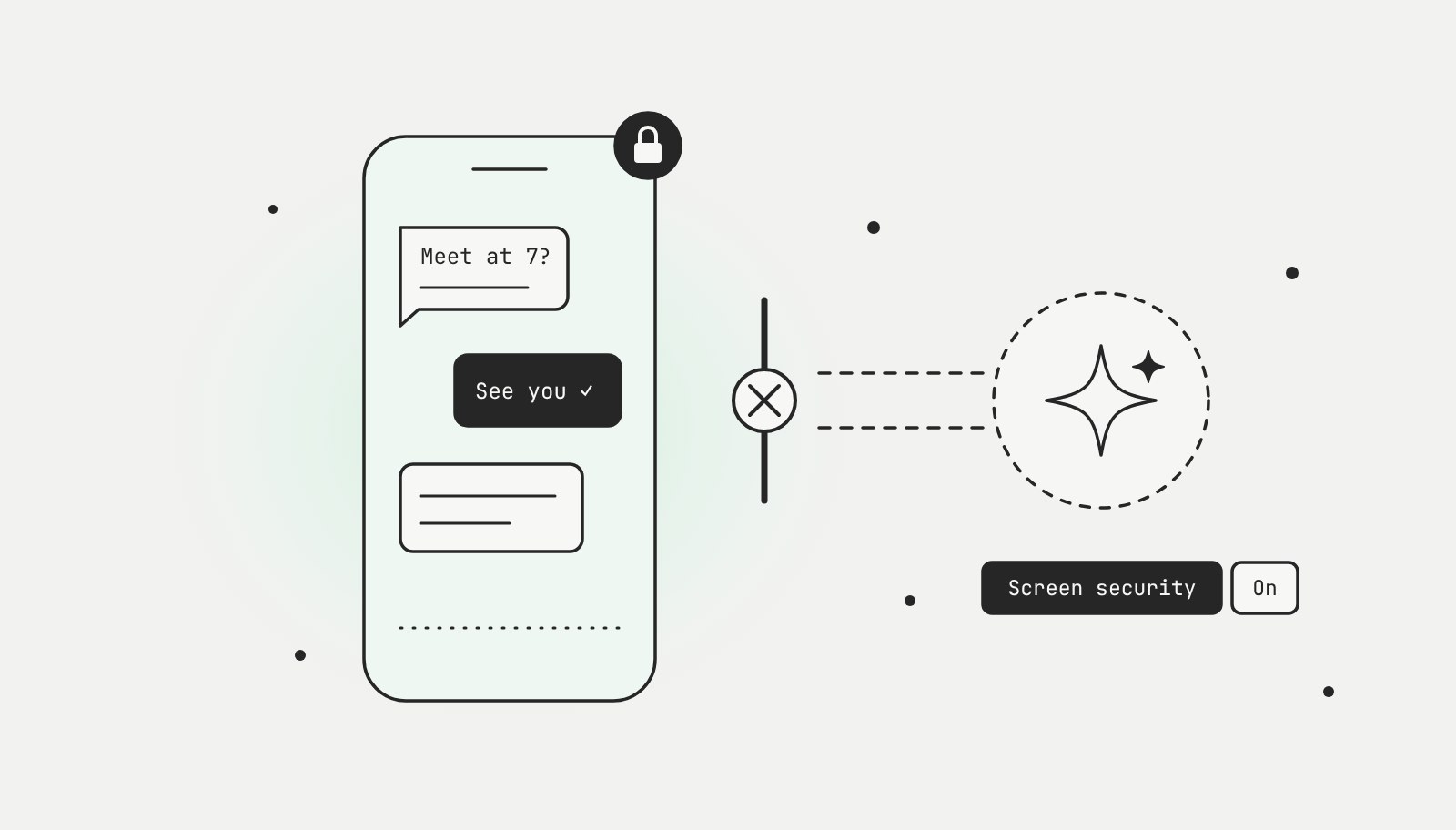
On 20 November, Signal president Meredith Whittaker announced that the messenger will block AI agents built into operating systems from reading Signal content. In a post on social media, she called AI an existential threat to privacy. With operating system makers building more and more AI agents into their software, Signal says it has been forced to defend itself.
The assistant can see your screen
Signal encrypts messages end to end, so nobody, not even Signal, can read them on the way. On your device, though, they have to appear in plain text. New assistants built into the operating system can read what is on screen: Google's Gemini Intelligence on Android, Apple's Siri AI with Onscreen Awareness on iOS and macOS, and Microsoft's Recall on Windows. What they capture can be kept in a local database or sent to a company server, where Signal has no say over it. An assistant that can help with everything on your phone is also one that can see everything on it.
What Signal does on each platform
- iOS 27: Signal blocks screenshots inside the app, which keeps Siri AI out. The setting is called "Block Siri AI" and is on by default.
- Android: Signal detects when an AI assistant tries to read the screen and switches on "Screen security" automatically.
- Windows: Signal has blocked screenshots by default since 2025 to keep Recall out.
- macOS: Signal can't block screenshots reliably here, so it can't stop Siri AI. Add Signal to the Excluded Apps list under System Settings > Siri yourself.
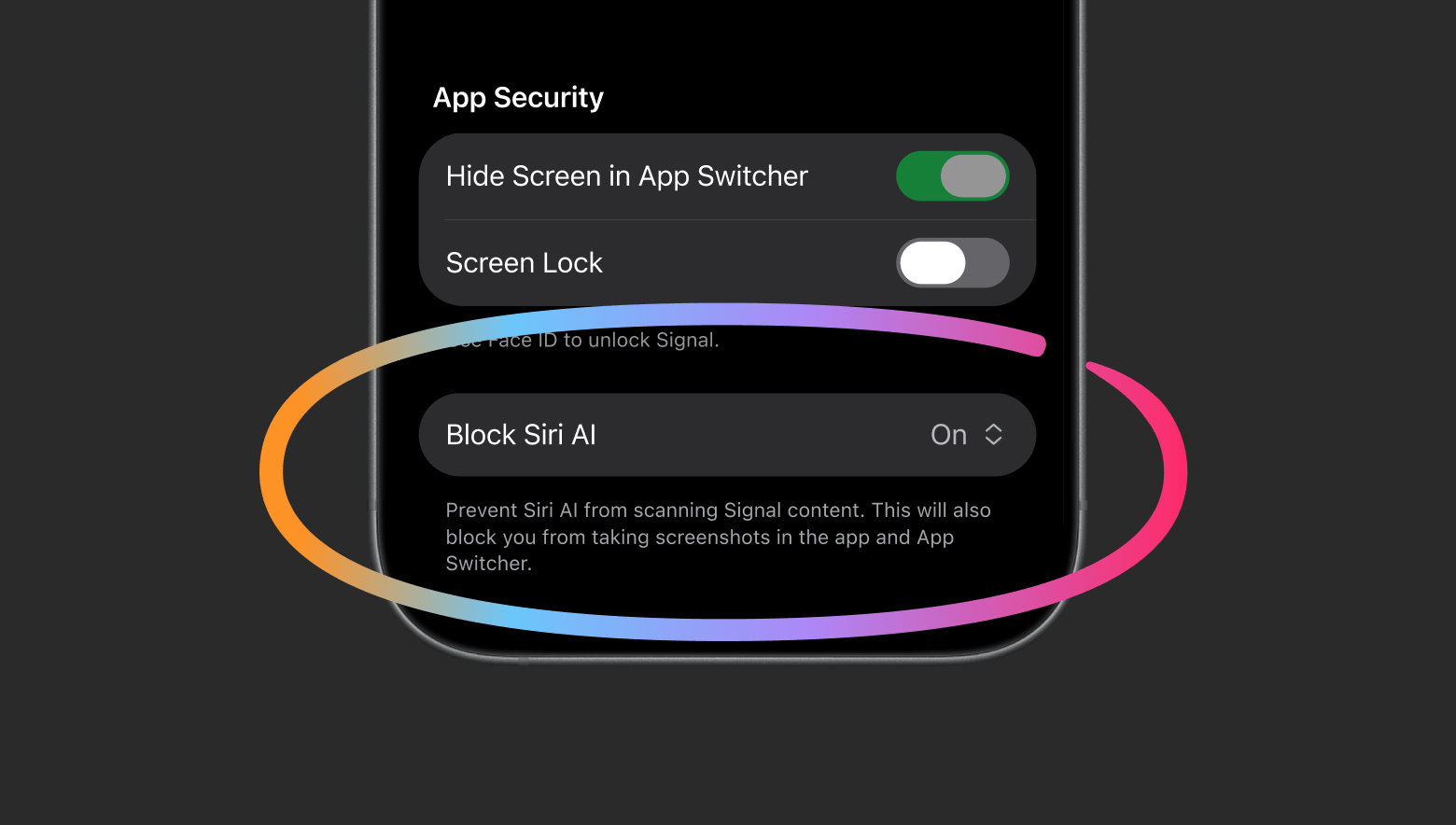
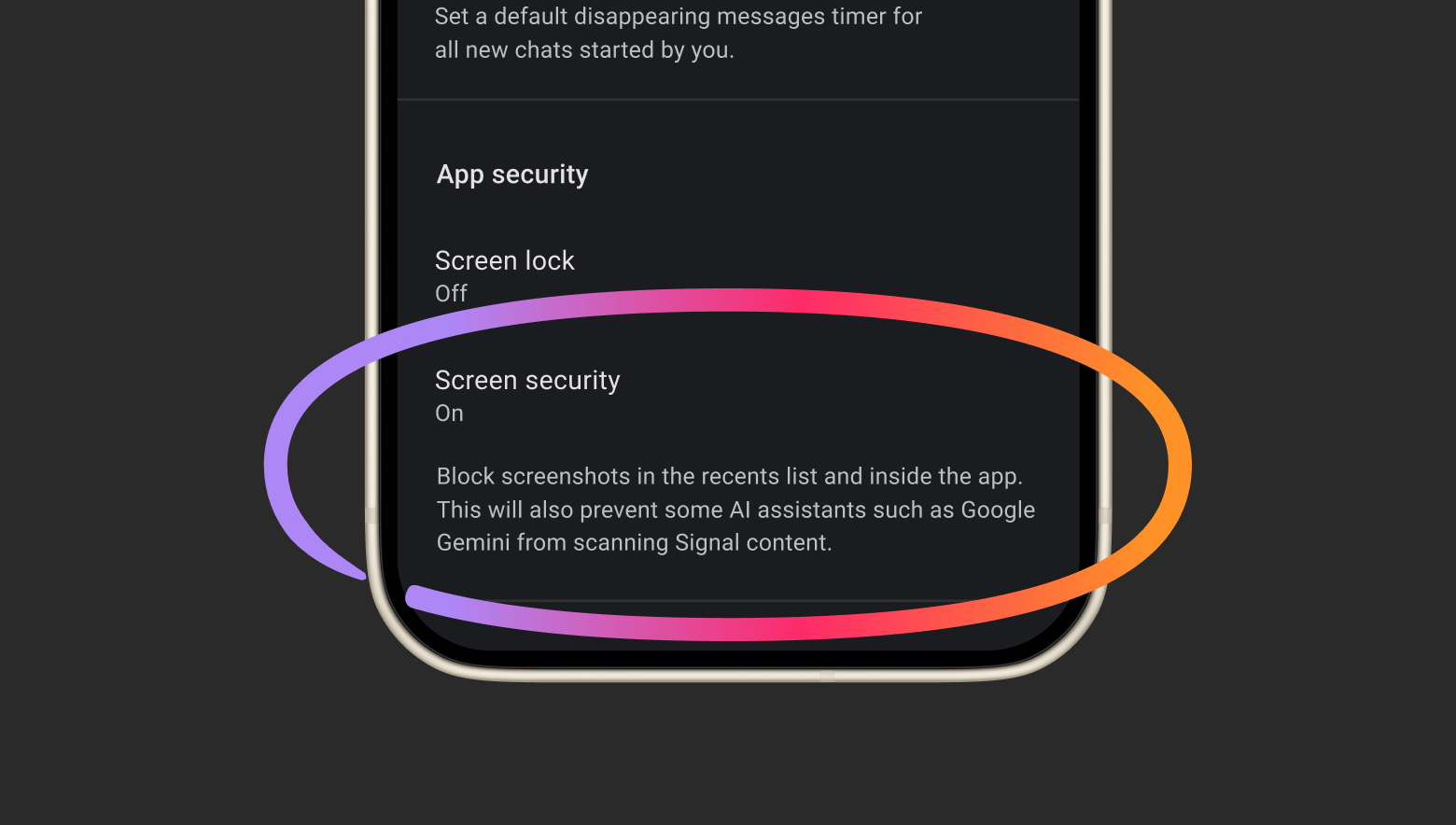
You can turn the protection off, but Signal warns that this may expose your messages, and your contacts' messages, to AI agents.
Not a complete fix
Signal says so itself: blocking screenshots doesn't stop an agent from reading files already stored on the device, or third-party agents such as Meta's Muse that use accessibility permissions granted during setup. It is asking Apple, Google and Microsoft for a simple, documented way for apps to opt out of AI access altogether, and for clear technical documentation of how these agents collect and process data.
What you can do
Update Signal and check that "Block Siri AI" or "Screen security" is on.
On a Mac, exclude Signal from Siri in System Settings.
Review which apps have accessibility permissions, and remove the ones you don't need.
Remember that a message is only as private as the device it is read on, including your contacts' phones.
The same holds beyond your chats: data is only private if nothing collects it. BetterPrivacy finds where your details are exposed on people-search sites, data brokers and directories, and helps you get them removed. A free scan shows your top 3 results in full.