Which notes apps can read your notes?
Almost every notes app says your notes are encrypted. What matters is who holds the keys by default, and which setting changes that.
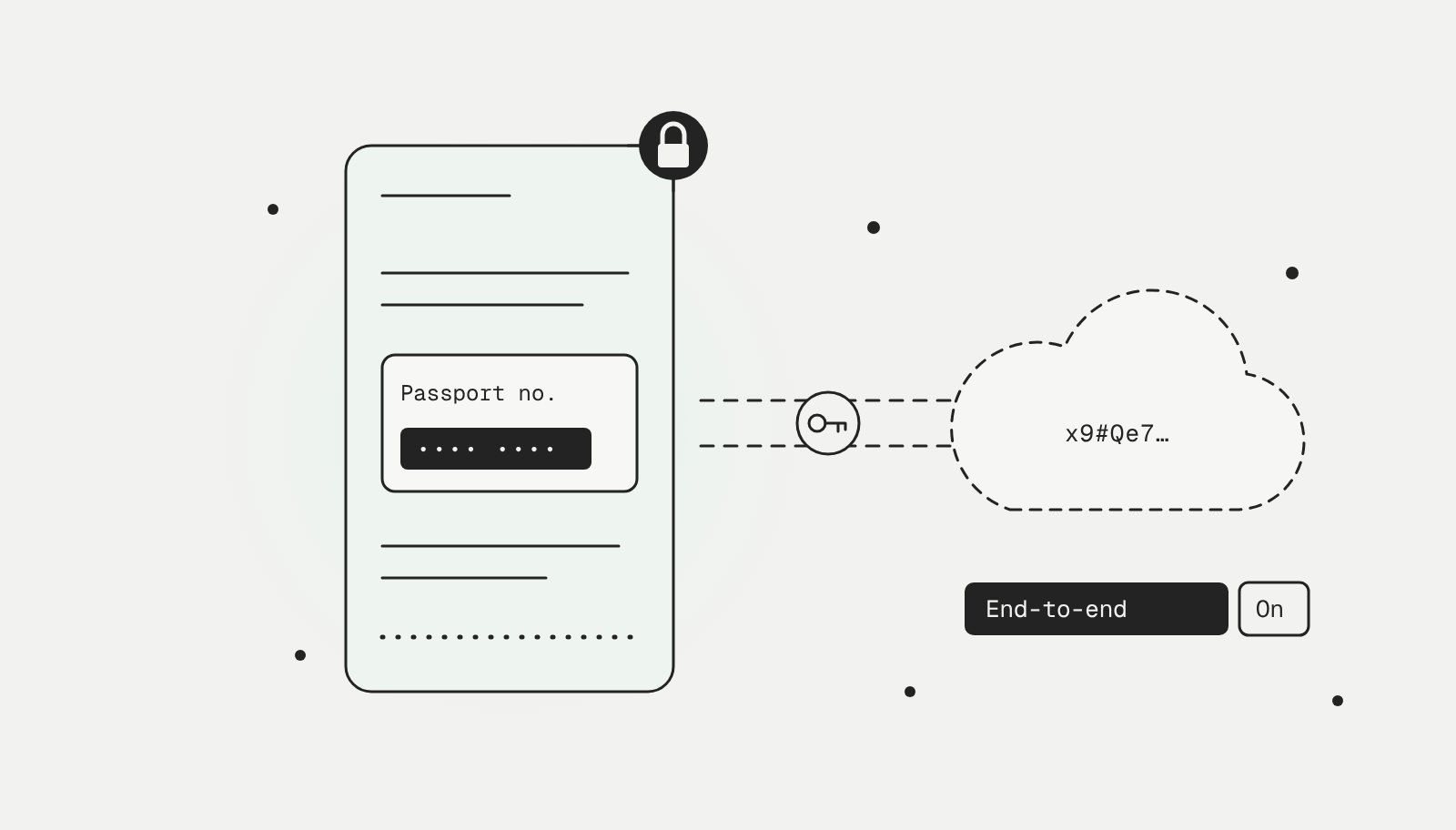
Notes apps end up holding things we'd never post anywhere: passport and ID numbers, health notes, addresses, bank details, a draft of a difficult letter. Here is who can read them.
The short answer
Standard Notes, Notesnook and Anytype encrypt your notes end to end from the start: only you hold the key. Obsidian keeps notes on your device, and its paid Sync is end-to-end encrypted unless you pick its standard mode. Joplin is end-to-end encrypted only once you turn it on. Apple Notes is end-to-end encrypted only with Advanced Data Protection or for notes you lock. Google Keep, Notion and Evernote hold the keys, and no setting changes that for whole notes.
Who holds the keys: the comparison
| App | How notes sync | Who holds the keys by default | What changes it |
|---|---|---|---|
| Standard Notes | Standard Notes' servers, or your own | You: end-to-end encrypted | Nothing to change: on for every account, free plan included |
| Notesnook | Notesnook's servers, or your own | You: end-to-end encrypted | Nothing to change: on for every account |
| Anytype | Anytype's network, or your own self-hosted one | You: a 12-word key created on your device | Nothing to change. Lose the key and Anytype can't recover your data |
| Obsidian | Files on your device; optional paid Obsidian Sync or a sync service you choose | On your device, nobody else. Sync: you, in its default end-to-end mode | Choosing Standard encryption for a Sync vault gives Obsidian the key. Obsidian doesn't encrypt the files on your device |
| Joplin | Joplin Cloud, Dropbox, OneDrive, Nextcloud, WebDAV, S3 or a local folder | Whoever runs your sync service can read them | Turn on encryption in Joplin's Encryption settings; then only you hold the key |
| Apple Notes (iCloud) | iCloud | Apple | Advanced Data Protection makes iCloud notes end-to-end encrypted; or lock individual notes |
| Google Keep | Your Google Account | No setting changes it | |
| Notion | Notion's servers | Notion | No setting makes it end-to-end encrypted. Enterprise customers can manage their own keys, but Notion's servers still process the content |
| Evernote | Evernote's servers | Evernote | No setting for whole notes; you can encrypt selected text with a passphrase |
Checked against each vendor's own documentation on 23 November 2026. Each verdict links to its source.
Open source, audits and price
| App | Open source | Independent audit | Price |
|---|---|---|---|
| Standard Notes | Yes | Yes, several | Free; $90 or $120 a year |
| Notesnook | Yes | None published | Free; from $19.99 a year |
| Anytype | Source available | None published | Free tier; paid plans |
| Obsidian | No | Yes, for Sync | Free; Sync from $4 a month |
| Joplin | Yes | No full audit | Free; paid cloud optional |
| Apple Notes | No | – | Free |
| Google Keep | No | – | Free |
| Notion | No | – | Free tier; paid plans |
| Evernote | No | – | Free tier; paid plans |
Prices as listed by each vendor on 23 November 2026, in US dollars.
Encrypted isn't the same as private
Nearly every notes service encrypts your notes on the way to its servers and while they're stored there. That protects them from someone tapping the network or stealing a hard drive. But if the company holds the keys, it can still decrypt your notes: an employee with access, a court order, a breach of the company's systems or a new AI feature can all reach them.
End-to-end encryption (E2EE) is different. Your notes are encrypted on your device with a key only you hold, and the server only ever stores scrambled data. The company can't read your notes, can't hand them over in readable form, and can't scan them for anything.
The private options
Standard Notes: the safe default
Standard Notes encrypts everything end to end by default, on every device, including the free plan. It's open source and has been through several independent security audits, more than any other app here. Privacy company Proton, which runs Proton Mail, bought it in 2024 and promised to keep it open source and keep the free plan.
The catch: the free plan only does plain text. Formatting, folders, the web clipper and revision history come with Productivity ($90 a year); Professional ($120 a year) adds 100 GB of encrypted file storage.
Notesnook: the friendliest switch from Keep or Evernote
Notesnook looks and feels like a mainstream notes app, with rich text, notebooks, reminders and a vault for notes that need a second password. Notesnook says notes are encrypted on your device with keys that never leave it, the apps and the sync server are open source (GPLv3), and you can run the sync server yourself. The free plan has unlimited notes and devices, with 50 MB of uploads a month; paid plans run from $19.99 to $89.99 a year.
Two caveats. We couldn't find a published independent security audit. And several security flaws were reported in the desktop app in 2026, including a critical one, so keep it updated.
Anytype: a private alternative to Notion
If you use Notion for databases, linked pages and projects, Anytype is the closest private option. Your key, a 12-word recovery phrase, is created on your device and never sent to Anytype, and your content is encrypted before it syncs. You can run the sync network yourself. Its code is published under its own source-available licence rather than a standard open-source one, and we couldn't find a published audit.
Obsidian: for people who want their notes as files
Obsidian stores your notes as plain Markdown files in a folder on your device. It doesn't need an account, and the company never sees your notes unless you use its paid Sync service. The app is free, including for work; Sync costs $4 a month billed yearly and has been audited by Cure53 and Trail of Bits.
Sync is end-to-end encrypted by default, but it isn't the only option. When you create a remote vault you can choose Standard encryption instead, where Obsidian manages the key and, by its own account, can use it to decrypt your data, for example under a search warrant. Keep the default. Know the other limits too: Obsidian doesn't encrypt the files on your device, so protect the device itself with a passcode and disk encryption. Some Sync metadata, such as which device uploaded a file and when, isn't end-to-end encrypted. Community plugins are written by third parties and can read your notes, so install few and only well-known ones.
Joplin: free and open, but check one setting
Joplin is free, open source and syncs through Joplin Cloud, Dropbox, OneDrive, Nextcloud, WebDAV, S3 or a local folder. It supports end-to-end encryption of notes and attachments, but it's off by default: you turn it on once, on one device, from the Encryption settings. Until you do, whoever runs your sync service can read your notes. Joplin hasn't had a full independent audit.
Is Apple Notes encrypted?
Yes, but by default Apple holds the keys. Under Apple's standard data protection, iCloud notes are encrypted in transit and on Apple's servers with keys Apple keeps, so it can decrypt them. Turn on Advanced Data Protection (Settings > your name > iCloud > Advanced Data Protection) and Notes becomes end-to-end encrypted with keys on your trusted devices, along with your backups and photos. Shared notes stay end-to-end encrypted only if everyone you share with has it turned on too, and some metadata, such as when a note was created and whether it's pinned, stays under standard protection.
Without Advanced Data Protection, you can lock individual notes with your device passcode or a separate password. Apple says locked notes are end-to-end encrypted and that it can't help if you forget the password. Not every note can be locked, though:
- notes you share with someone else
- notes with tags, PDFs, audio, video or Keynote, Pages or Numbers documents
- notes in Gmail, Yahoo or other accounts that sync over IMAP
- any note if you're signed in with a Managed Apple Account, such as a work or school account
Is Google Keep encrypted?
Google says Keep data is encrypted in transit and at rest, but not end to end: Google holds the keys. It says it processes your notes to provide features such as handwriting recognition and search, that it accesses your private content only with your permission or when required by law, and that Keep doesn't use your information for advertising. Those are policies, not technical limits. Keep has no locked notes and no setting that changes who holds the keys.
Notion and Evernote
Both encrypt your data on their servers and hold the keys. Notion says it doesn't train AI models on customer data, and its Enterprise customers can manage their own encryption keys, which still isn't end-to-end encryption. Evernote lets you encrypt selected text inside a note with a passphrase it doesn't store, but not whole notes. In 2016 Evernote briefly changed its policy so employees could read notes to improve its machine learning, then reversed it after a backlash. A policy can change; end-to-end encryption can't be changed quietly.
Which one should you pick?
- You want it to just work: Standard Notes. Private by default, audited, free to start.
- You're leaving Google Keep or Evernote and want something that feels familiar: Notesnook.
- You want your notes as files you control: Obsidian, kept on your device or with Sync in its default end-to-end mode.
- You live in Notion: Anytype.
- You're on iPhone and don't want to switch: turn on Advanced Data Protection, or at least lock the notes that matter.
- You use Joplin: turn on encryption on day one.
Worked example: from Google Keep to Obsidian
We picked Obsidian for this walk-through because its Importer is an official, open-source plugin that converts your export on your own computer, so the notes never pass through another company's server on the way.
Go to takeout.google.com, click Deselect all, tick Keep, click Next step, then Create export. Download the .zip when Google emails you.
In Obsidian, open Settings > Community plugins, then find, install and enable Importer.
Open Importer from Settings or the command palette. Under File format choose Google Keep (.zip) and select the .zip you downloaded.
Click Import, check the preview, then click Import again. Your notes land in a folder called Google Keep.
Open a few notes, especially checklists and notes with images, and check that everything came across.
What happens to a checklist and an image. Obsidian's Importer is tested against real Takeout exports, and its repository records the Markdown it writes for each (test fixtures):
- Checklist: each item becomes a Markdown checkbox. An unticked item is written as "- [ ]", a ticked one as "- [X]", and bold or italic text inside an item is kept. Sub-items arrive as ordinary top-level items, because Keep's export doesn't record indentation.
- Image: the picture is copied into your vault and embedded under the note's text. The note's colour and labels become tags such as Keep/Color/Blue and Keep/Label/….
- Left out: archived and deleted notes are skipped unless you switch them on in the Importer, and reminders aren't imported because Obsidian has nothing to put them in.
Going somewhere else? Standard Notes imports the .html files from the unzipped Keep folder (Account menu > Import > Google Keep). Notesnook takes the .zip as it is (Settings > Import & export > Notesnook Importer > Google Keep) and lists checklists and images among what it imports.
Then delete the notes in Keep. That removes them from your account, but not instantly from Google's systems: Google says deleted data generally takes about two months to leave its active systems and can remain in encrypted backups for up to six months (Google's retention policy).
Your notes aren't the only copy
Locking down your notes protects what you write down. The same details, your address, phone number and date of birth, are often already published by people-search sites and data brokers. BetterPrivacy finds where your details are exposed and helps you get them removed. A free scan shows your top 3 results in full.
Sources
- Security updates — Standard Notes
- Plans — Standard Notes
- Has Standard Notes completed a third-party security audit? — Standard Notes
- Proton acquires Standard Notes (10 April 2024) — TechCrunch
- How is my data encrypted? — Notesnook
- Pricing — Notesnook
- Privacy and encryption — Anytype
- Obsidian Sync: Security and privacy — Obsidian
- Obsidian Sync audits by Cure53 and Trail of Bits — Obsidian
- Pricing — Obsidian
- End-to-end encryption — Joplin
- Synchronisation — Joplin
- iCloud data security overview — Apple
- How to lock or unlock notes on your iPhone or iPad — Apple
- Apple can no longer offer Advanced Data Protection in the United Kingdom to new users — Apple
- Use Keep to protect your privacy & stay in control — Google
- Trust center — Notion
- What type of encryption does Evernote use? — Evernote
- How to encrypt text in notes — Evernote
- Evernote privacy policy change on reading customer notes (14 December 2016) — Fortune
- Import from Google Keep — Obsidian
- Importer test fixtures: Google Keep Takeout notes and their converted Markdown — Obsidian (GitHub)
- How can I import my notes from Google Keep? — Standard Notes
- Import notes from Google Keep — Notesnook
- Export your data from Google Keep — Google
- How Google retains data we collect — Google
Documentation, prices and plan details as published by each vendor on 23 November 2026.